Layamritam is born of Amma’s sankalpa — that all her children, across every country and every language, should have the complete repository of her songs and lyrics in their own mother tongue.
Mātā Amṛtānandamayī Devī — known the world over simply as Amma, “Mother”.
Born in 1953 in a fishing village on the Kerala coast, she was composing songs to Krishna by the age of five. Known the world over as the “Hugging Saint”, she has spent her life receiving people one at a time in an embrace — more than forty million so far, sometimes sitting twenty-two hours without rising — and she has turned no one away.
Around her grew the Mata Amritanandamayi Math — hospitals, homes for the destitute, disaster relief, schools and a university, holding UN consultative status since 2005 — all of it carried by her one teaching: that motherhood, in its highest sense, is love, compassion and selflessness toward every being.
And through all of it, she sings. Over the decades she has sung thousands of bhajans — many of them her own compositions and lyrics — and devotees say that to understand her devotion you need only watch the tears roll down her cheeks as she sings. Those songs — hers, and the M.A. Math devotees' — in Malayalam, Sanskrit, Hindi, Tamil and many more, sung with everyone rather than performed to them, are what this app holds.

Everything you need to sit, listen, and return tomorrow.
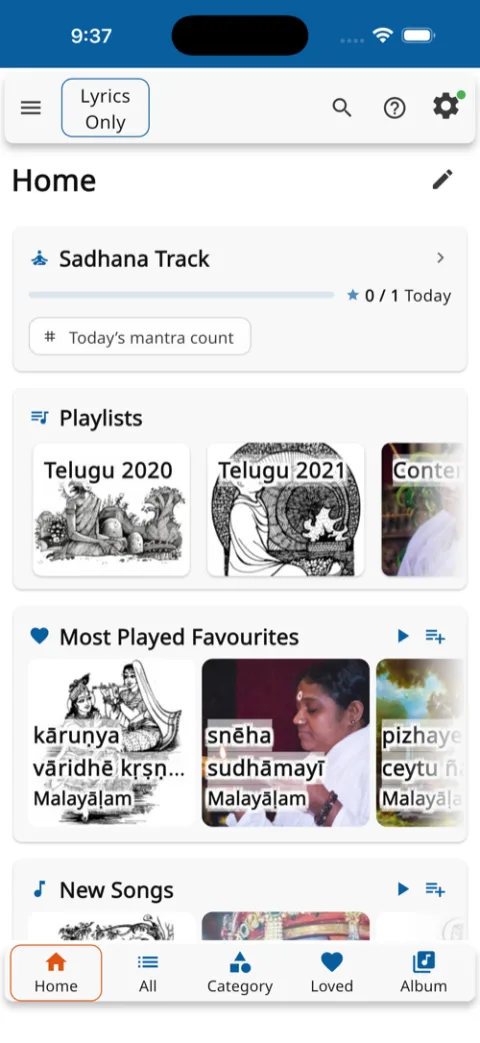
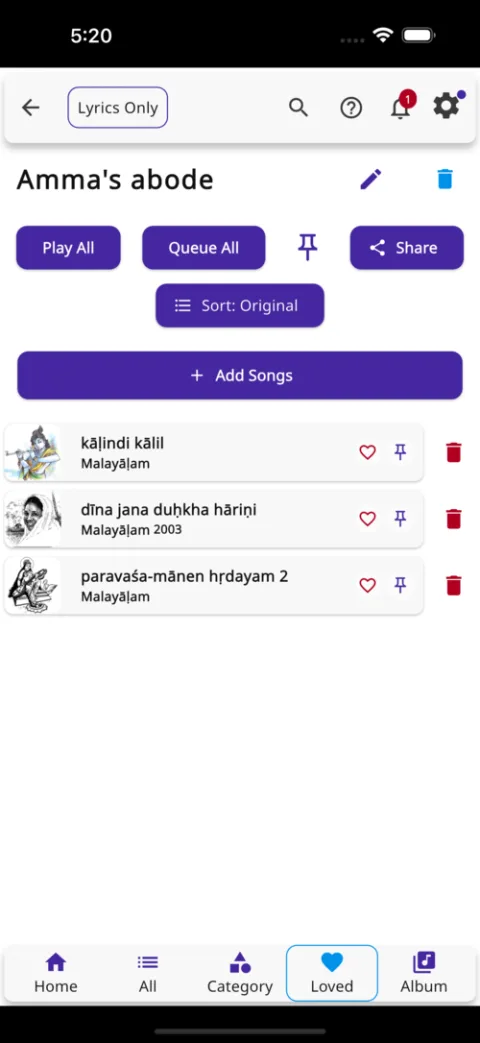
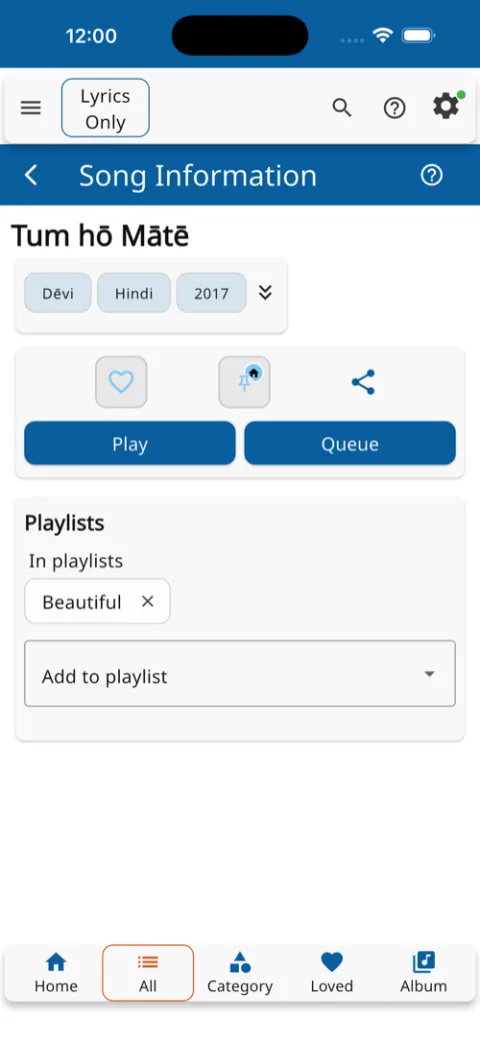
Playlists, albums, and a gapless queue — the next song downloads while the current one plays, so the music never stops to wait.
Samskritam, Malayalam, Hindi, Tamil, English, and 21 more — with meanings, deity images, and instant offline access.
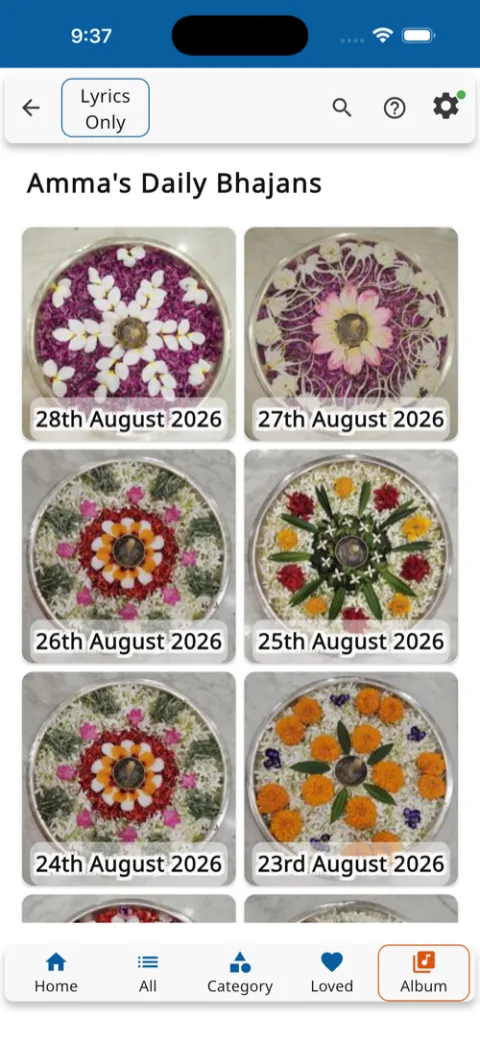
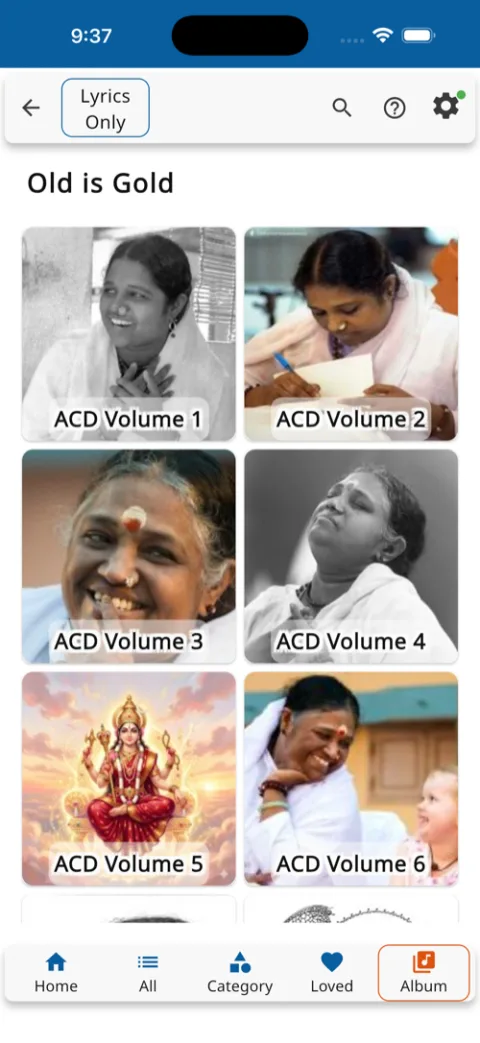
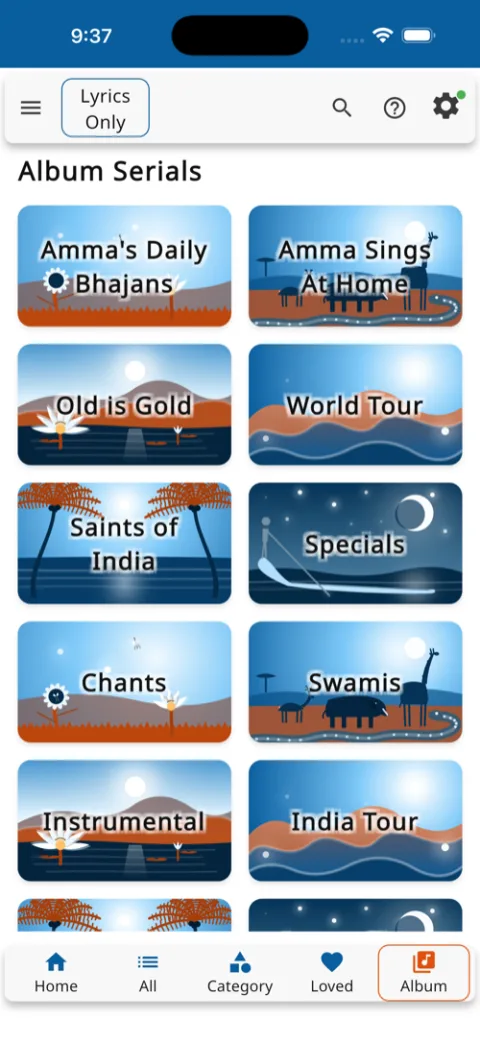
Amma's Daily Bhajans, Amma Sings At Home, Old is Gold, World Tour, Chants — 1,600+ albums across fifteen series, growing daily.
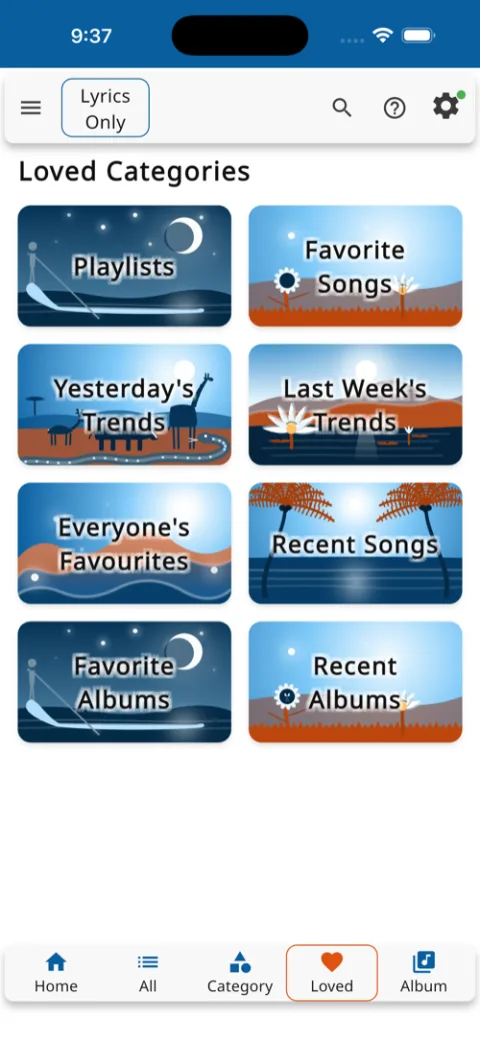
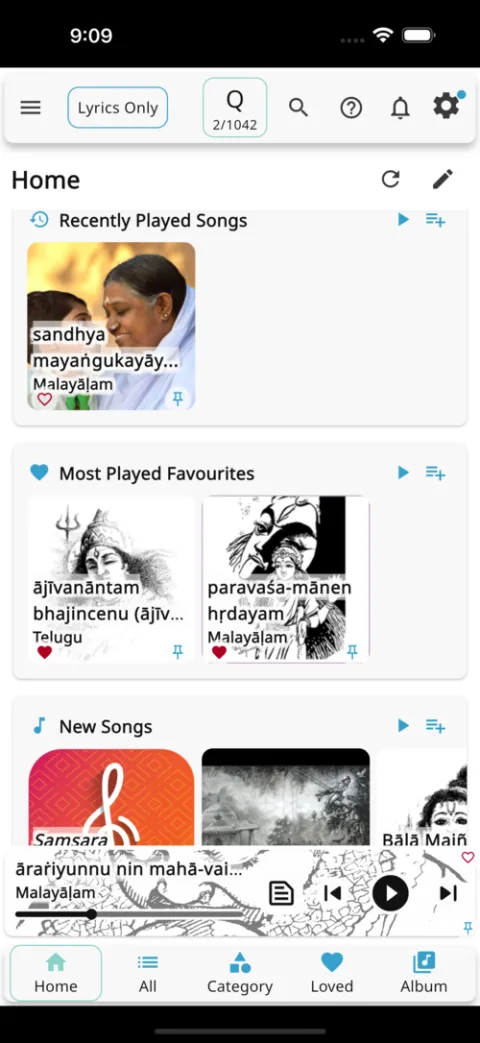
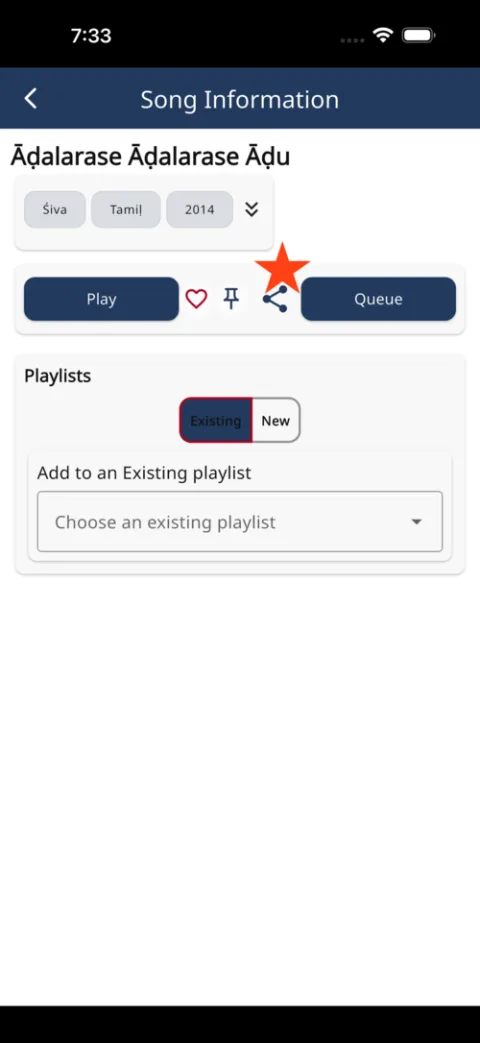
Share songs and playlists over email or messaging apps. See everyone's favourites and yesterday's trends across the world.
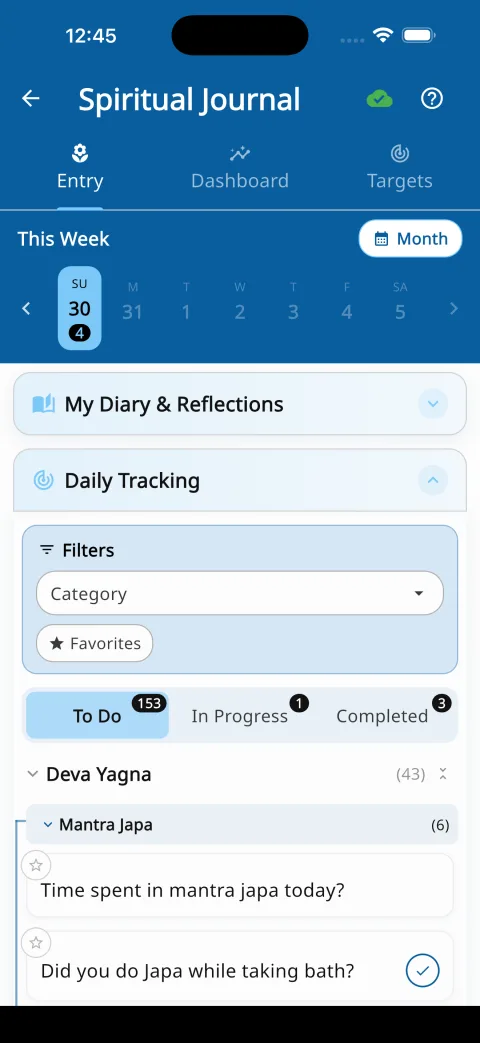
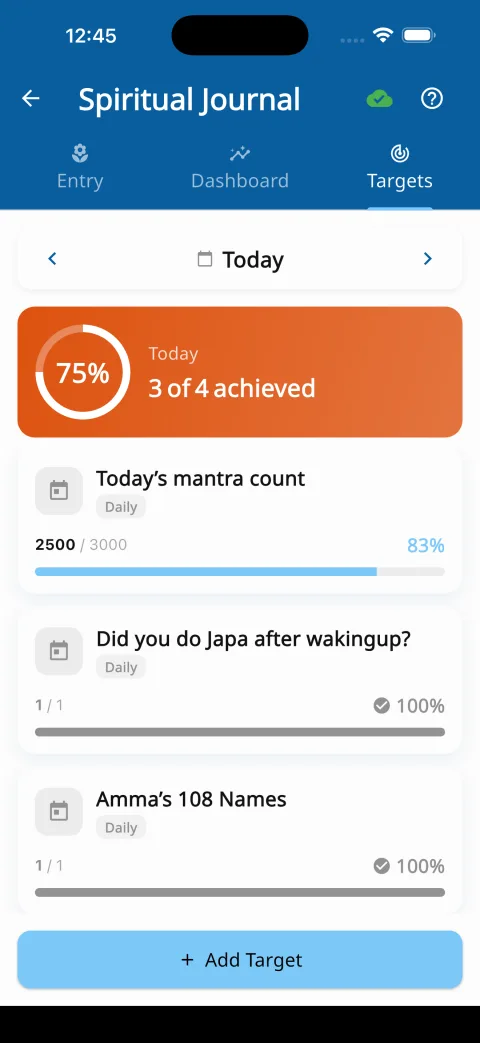
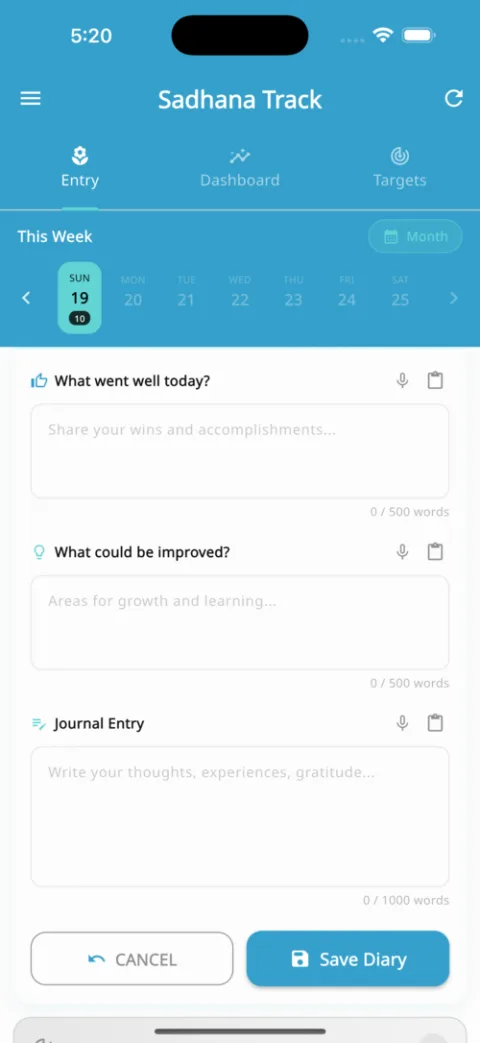
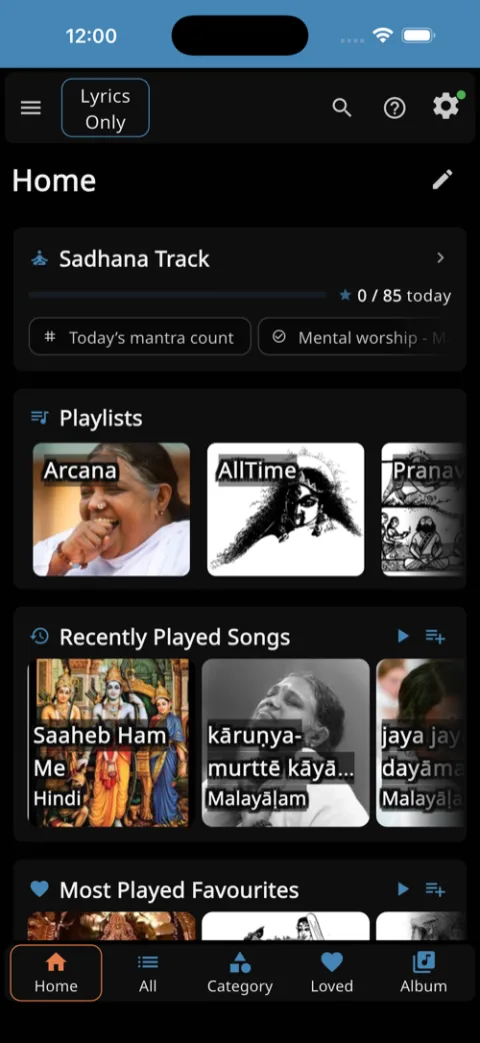
Daily practice questions built around the Pancha Maha Yagnas, mantra targets, streaks, a progress dashboard, and an encrypted diary.
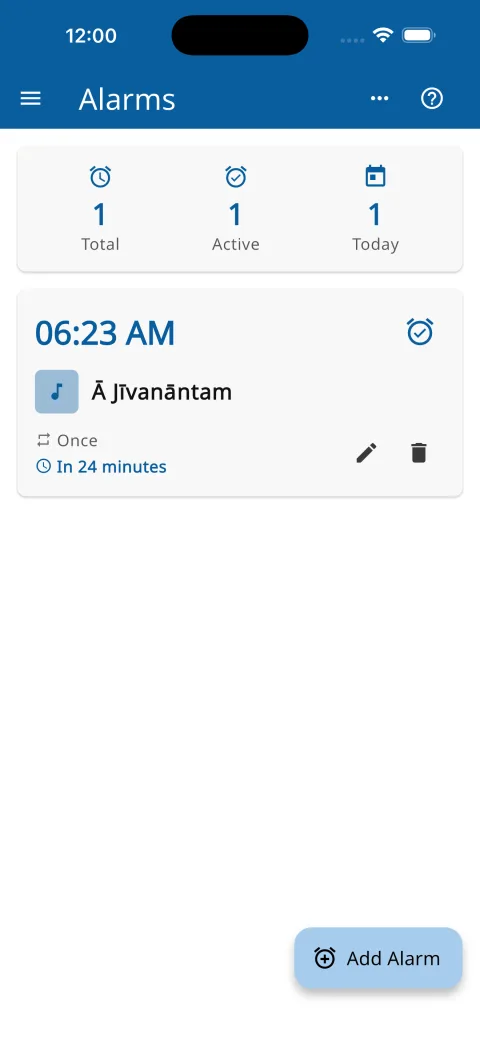
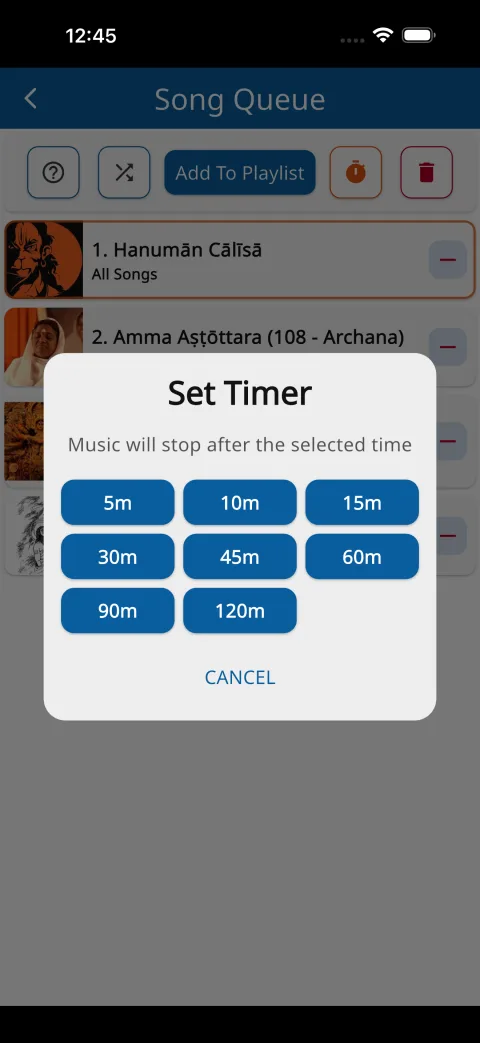
Wake to any bhajan you choose. Fall asleep to a timer that fades the music out gently when its time is up.
Speak to search within lyrics or dictate your journal in your own language — no typing required.
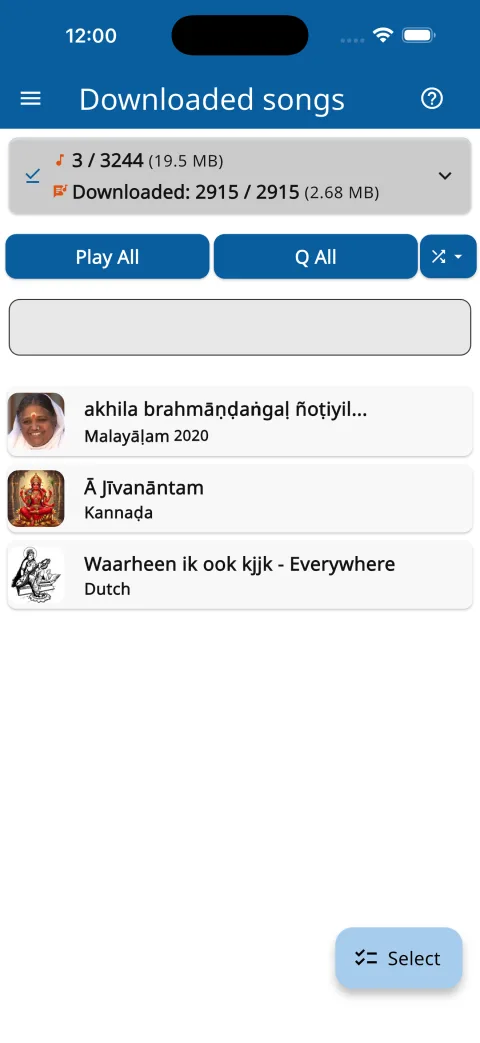
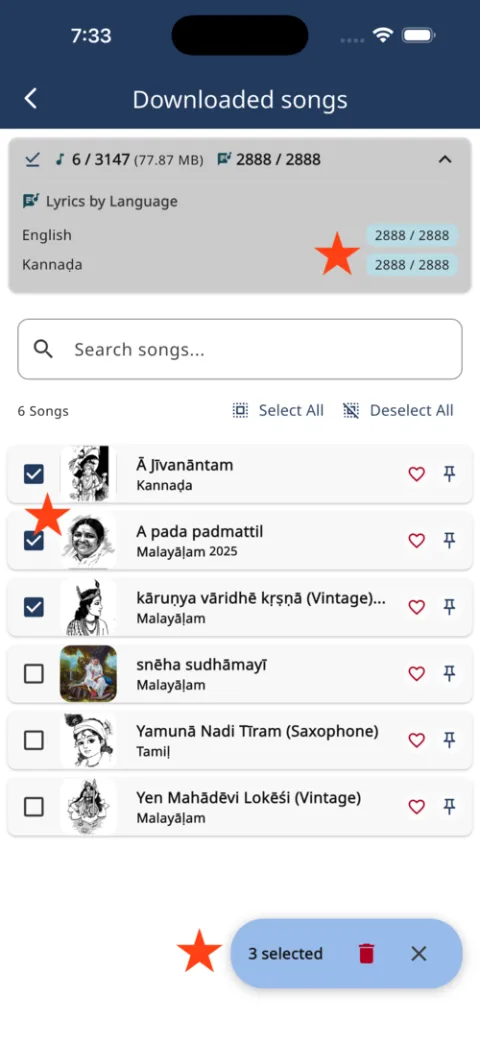
Songs and lyrics are stored on your device as you listen — for the drive, the jog, and the places the network does not reach.
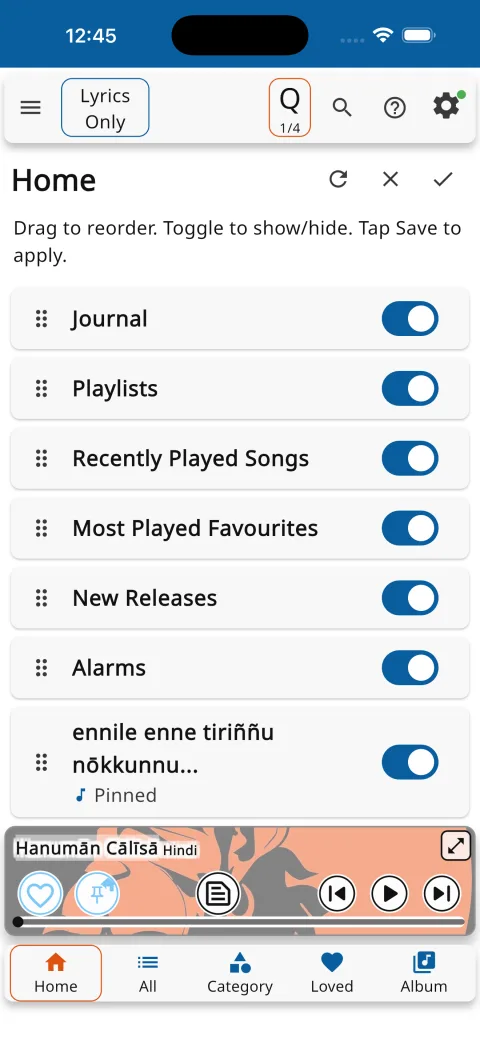
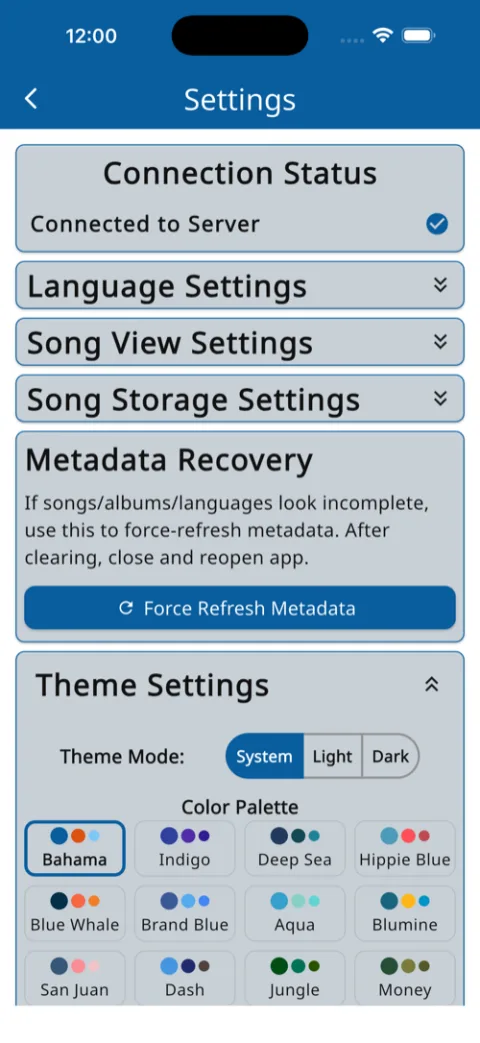
Light and dark themes, colour schemes, four audio qualities, and a home screen you arrange yourself.
A closer look at each part of Layamritam — drawn from the app itself.
Tap a place to explore it — every visit lights a lamp, and the paths lead on to related places.


Pick a topic. Each one is a short, step-by-step walk-through of how the app actually behaves.
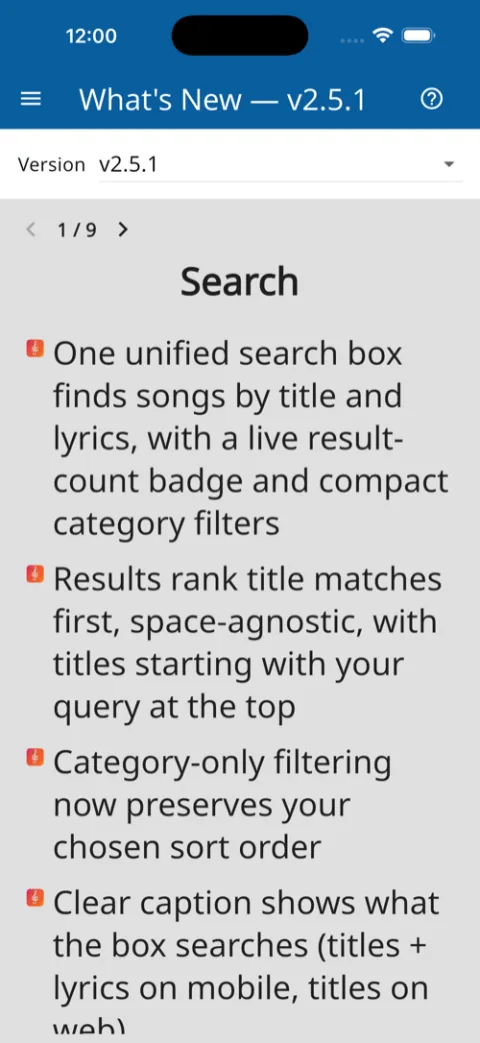
One search box reaches every song title and every word inside every lyric — a half-remembered line is enough.
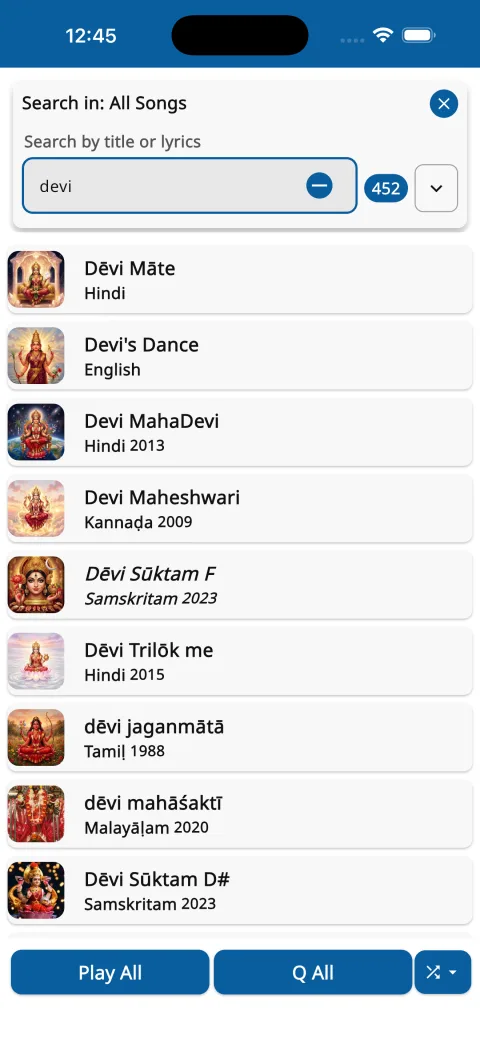
On the Songs tab, tap the search icon. Type anything — spelling and accents are forgiven ("devi", "dēvī" and "dhevi" all match), and the result count updates live with every letter.
Matches come from titles and from the words of the lyrics themselves. Remember only "karuna sagara"? That is enough to surface every song that sings it.
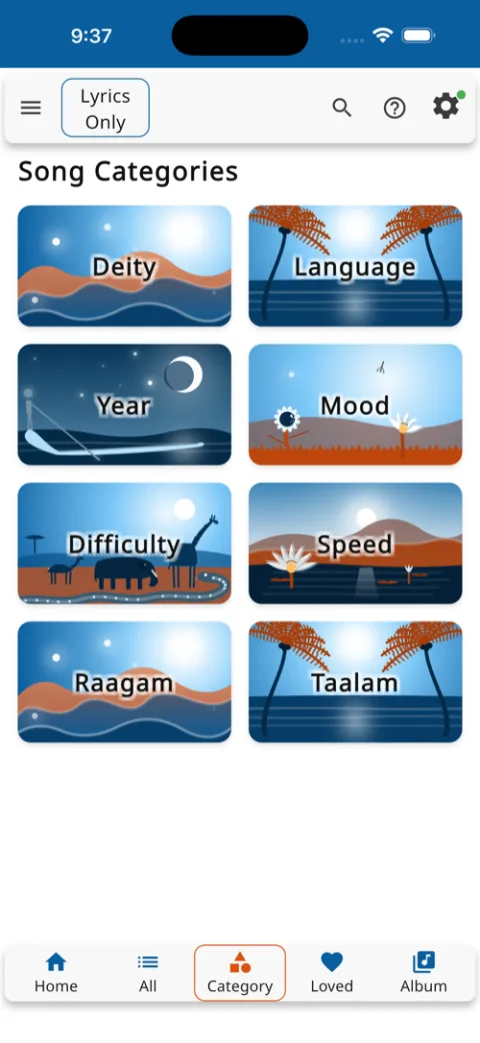
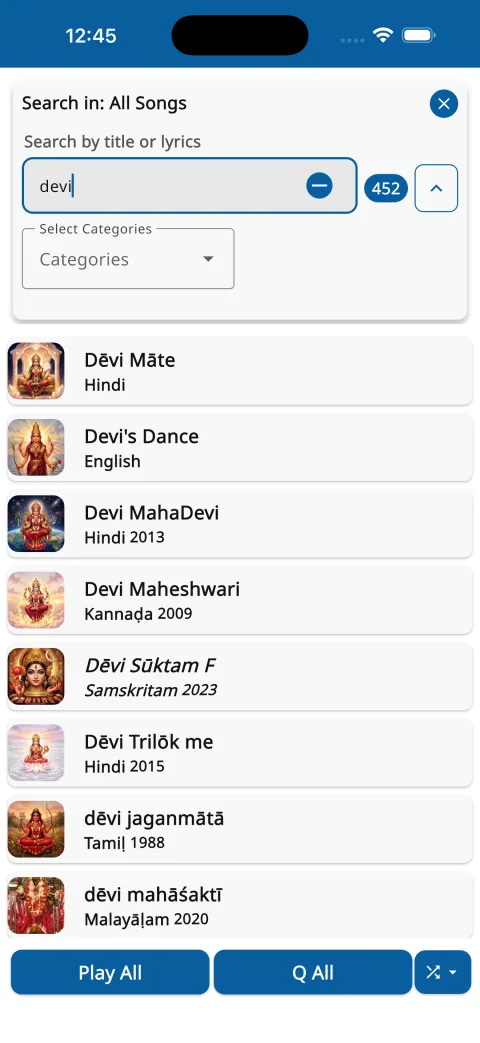
Tap the Categories chevron to open the filters. Pick Deity, Language, Year, Mood, Raagam or Taalam, choose a value, and add more — filters combine. Your active choices stay visible as chips.
The panel always says what it is searching — "Search in: All Songs", an album, or a playlist. Open it inside any list to search just that list. Prefer speaking? Tap the mic and say it.


There are four ways to start the music, and each answers a different mood. All four are two taps or less.
Tap the play button on any song row. Just that song plays — nothing else is touched.
Expand a song's actions and choose play-from-here: the list plays from that song onward, in the order you see on screen.
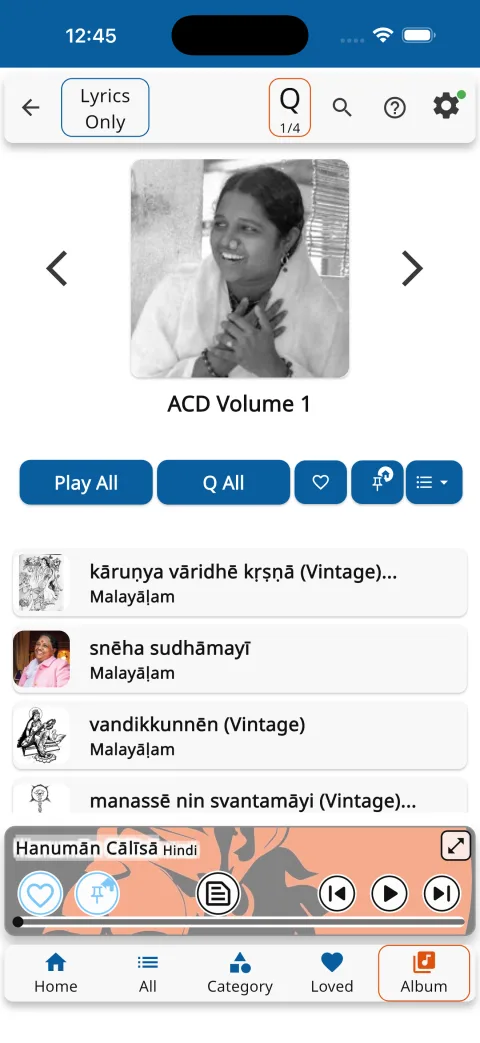
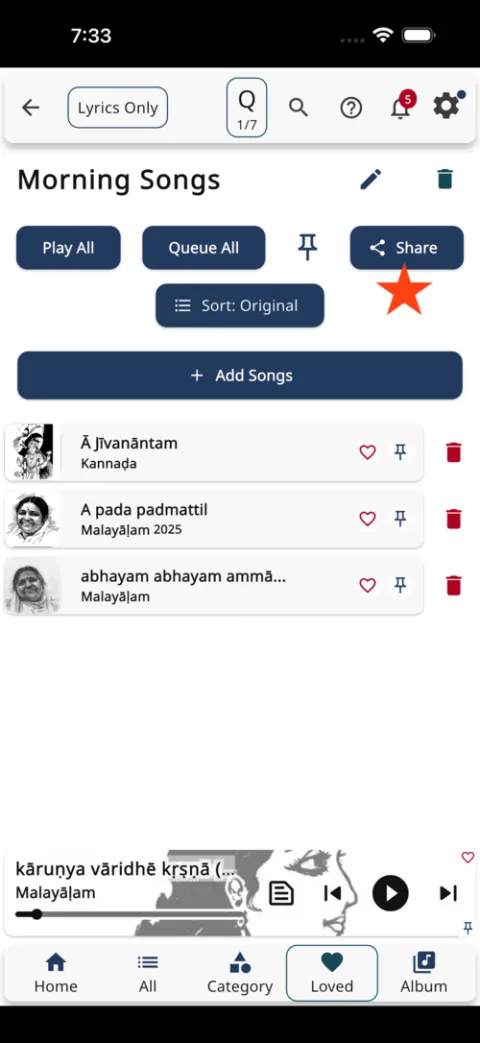
The two buttons under every list. Play All starts the whole list from the top. Q All adds the whole list to the queue without interrupting what is playing now — stack an evening of albums this way.
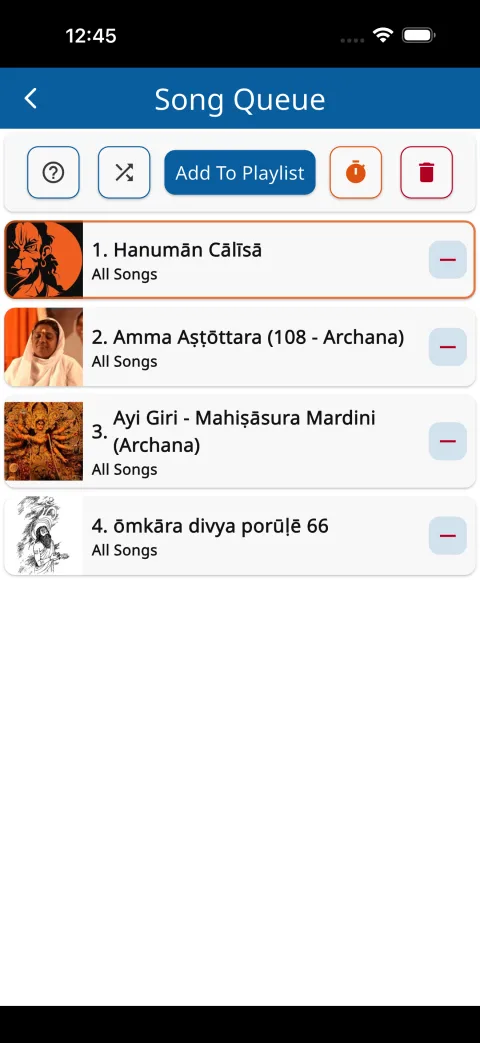
The queue icon on any song appends just that song. Then tap the Q badge to open the queue itself: drag to reorder, remove songs, shuffle, jump to any point, save the whole queue as a playlist, or set the sleep timer on it.


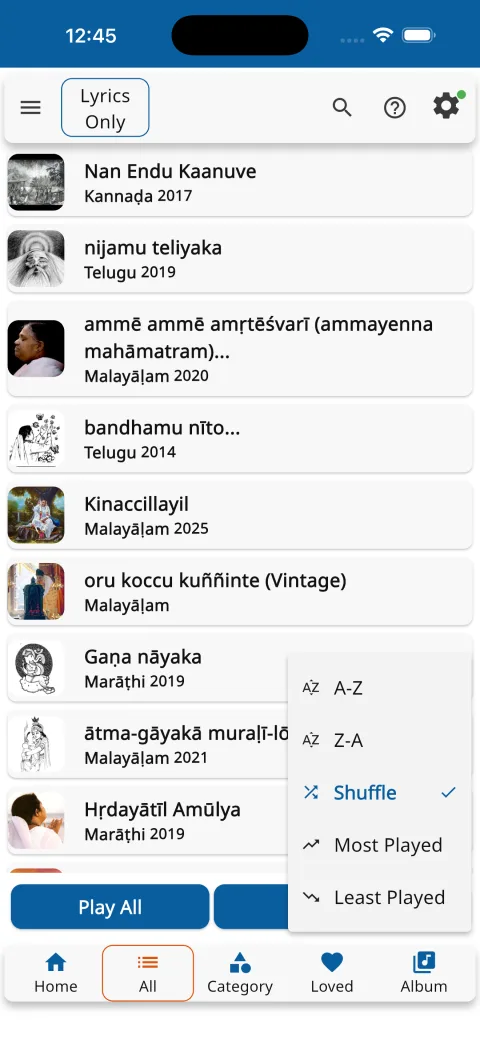
Every list has a sort button. Five orders, each with a purpose — and two of them are personal to you.
Alphabetical by title, in either direction. The fastest route to a song you can name.
A fresh random order every time you choose it — pick it again and the deck reshuffles.
Your own listening, counted. Each play the server confirms adds one, so the songs you return to rise to the top — and when two are tied, the one you played more recently wins.
The same counts, reversed — songs you have never played come first. Choose it on any album and it becomes a voyage of discovery through everything you have not yet heard.
The order the album or playlist was arranged in — the curator's intention, one tap away whenever you want to come home to it.

Lyrics are half of this app. Every song carries them — timed, transliterated, translated. Take these one aspect at a time.
The lyrics icon on any song row opens its lyrics without playing a note — read at your own pace, no headphones required.
While something plays, the lyrics button on the player opens the words of the current song, following along as it is sung.
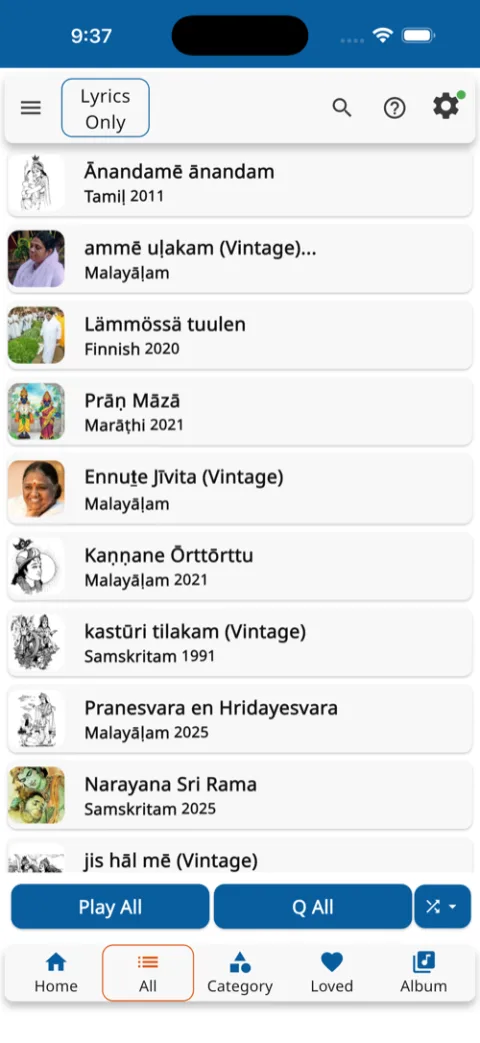
Tap "Lyrics Only" in the top bar and the whole app changes temper: tapping any song now opens its lyrics instead of playing it. A reading room, until you tap the chip again.

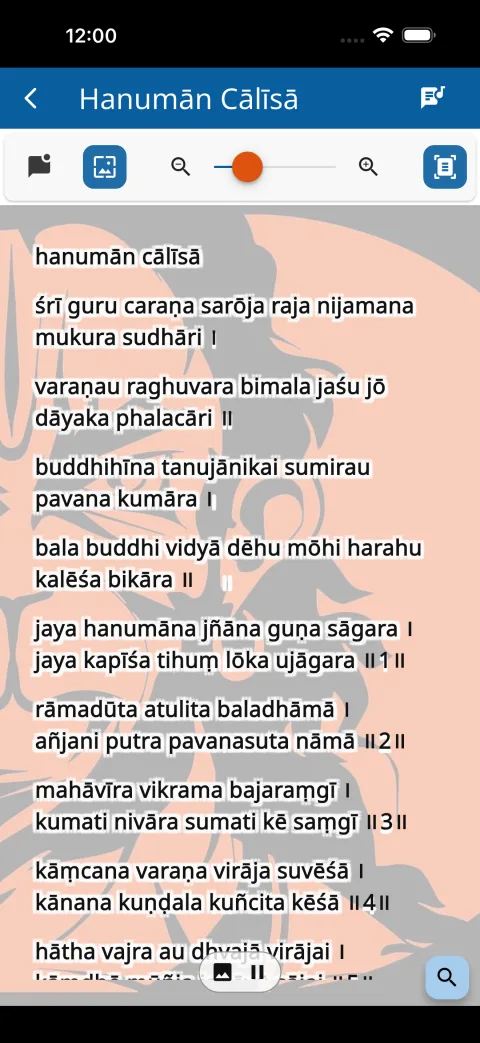
The language button re-renders the same sounds in your script — Devanagari, Telugu, Tamil, Katakana, twenty-six in all. Not a translation: the very syllables you hear, written so you can sing them.
The meanings toggle lays a translation beneath each stanza, line by line, so the feeling arrives together with the words.

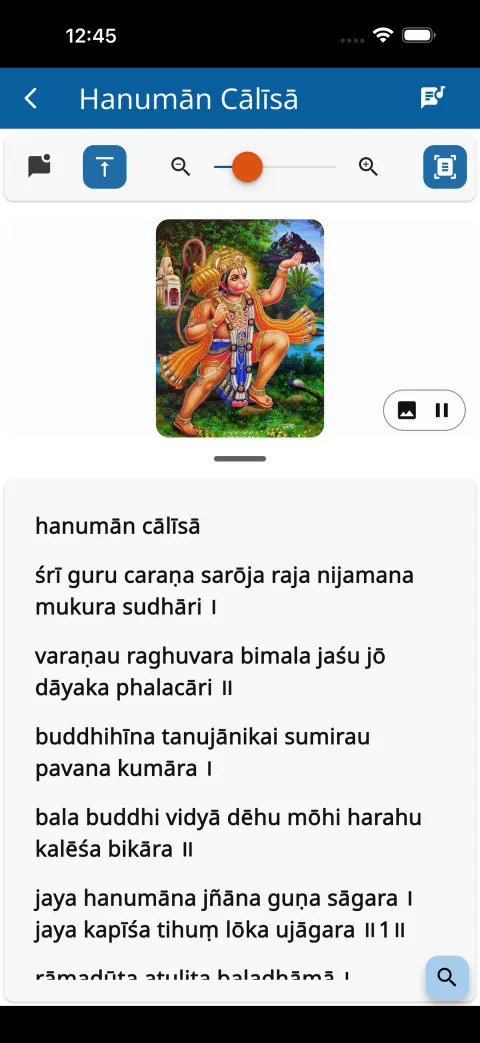
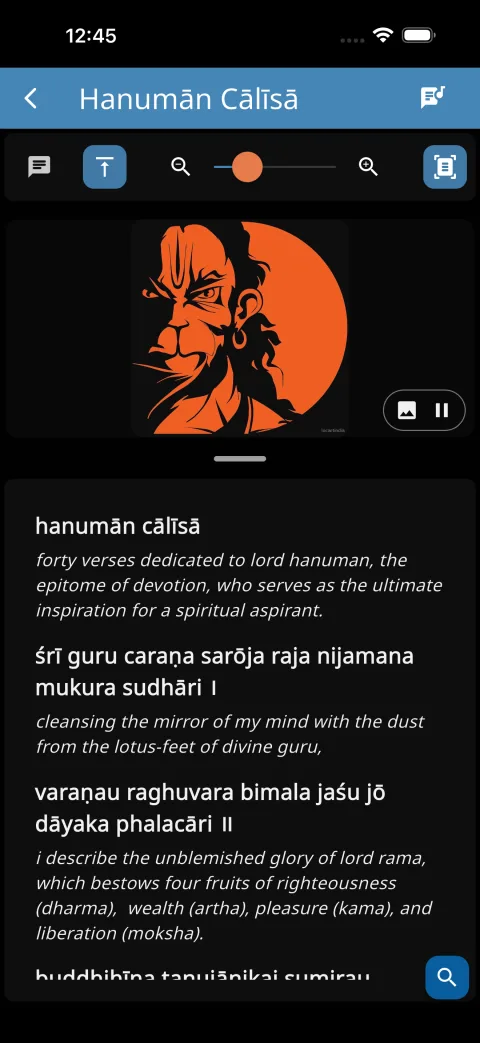
The image button cycles three views: image above the words, image behind the words, or words alone.
In the image-above view, drag the divider to give the picture or the words more room — the split you set is remembered.
When a deity has several pictures they rotate gently as a slideshow. Swipe to browse them yourself, or tap pause to hold the one you love.


While the song plays, the current stanza is highlighted and the page follows the singing on its own.
Tap any stanza and the song jumps there. The words are the controls — no scrubbing along a timeline hunting for a verse.
Tap a stanza's repeat icon to loop just that part, around and around, until it is yours. Tap again to release it.
Three flow modes to read in: Document scrolls freely, Slides shows one stanza at a time, and Auto turns the pages in time with the singing.

Pinch to zoom, or use the slider — the size you settle on is remembered for every song after.
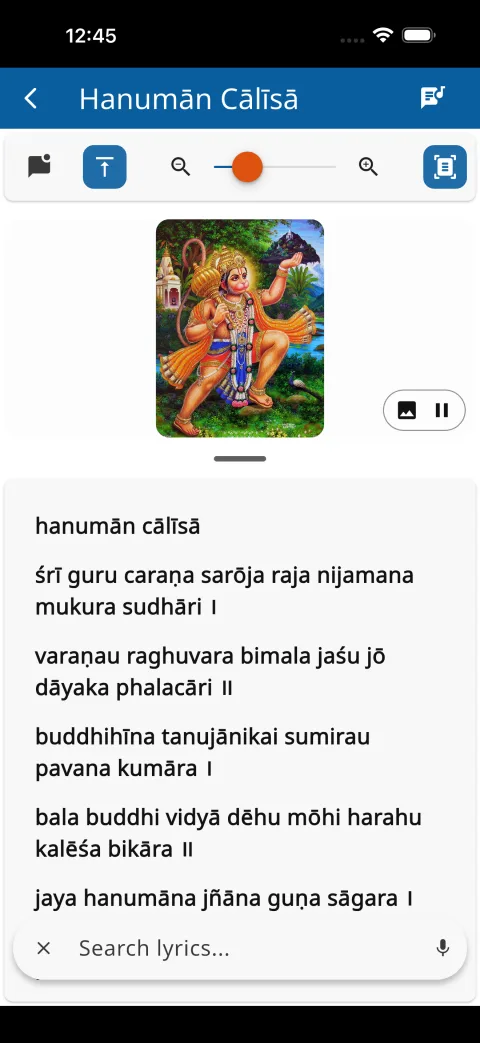
The search bubble finds any word inside the open lyrics — type it, or tap the mic and say it.
Turn the phone sideways and the image moves beside the words — lyrics on one side, darshan on the other.

The latest releases, at a glance.
Every bhajan is transliterated — the same sounds, in your script — and translated, so the meaning arrives with the melody.
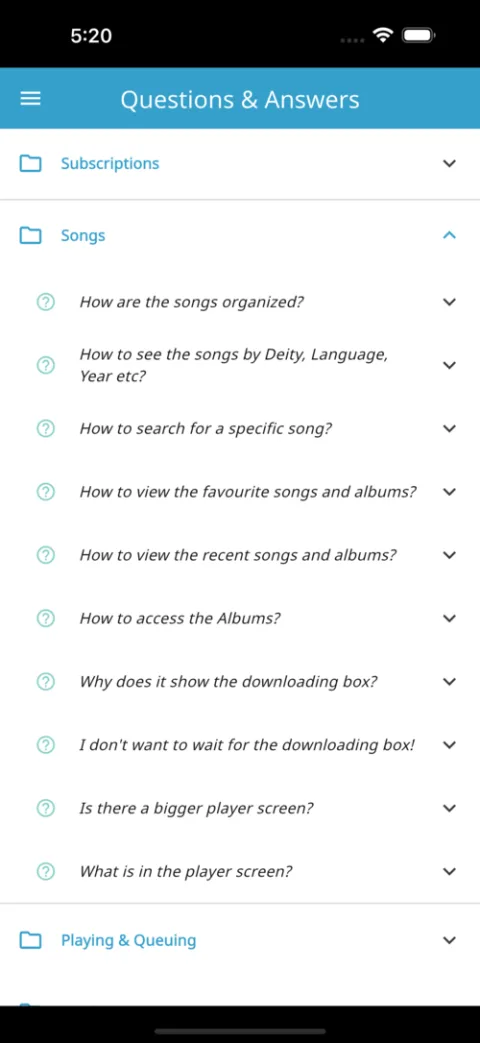
The same step-by-step guidance you will find inside the app — searchable here, with a glimpse of each screen.
A devotional music platform — and the mission every subscription serves.
Layamritam is a devotional music platform dedicated to the bhajans of Amma — bringing her precious collection of devotional music to listeners around the world.
Explore bhajans in many languages with full lyrics, and discover songs by language, deity, year, mood, raagam, taalam and more.
More than a music application, Layamritam is a gateway to Amma's world of devotional music — for prayer, contemplation, devotion, and inner peace.
Amma's lifelong commitment to alleviating suffering has grown into a worldwide network of humanitarian initiatives, known collectively as Embracing the World — serving communities through:
By subscribing to Layamritam you not only receive Amma's devotional music — you support the humanitarian mission inspired by her vision of love, compassion, and selfless service.
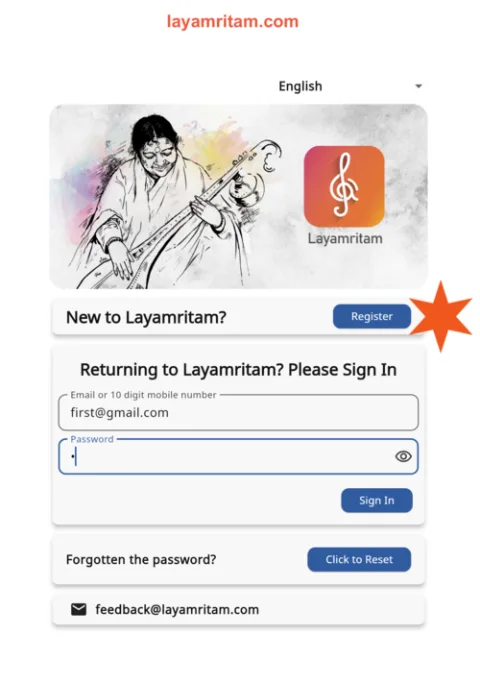
embracingtheworld.orgRegister and subscribe here on the website, then sign in on any device. Your playlists, journal, and alarms follow you everywhere.
Create your account here on the website — it takes a minute.
Register on the websiteSubscriptions are available only here on the website — never inside the apps.
Then simply sign in on Android, iOS, or the web player, and listen.